
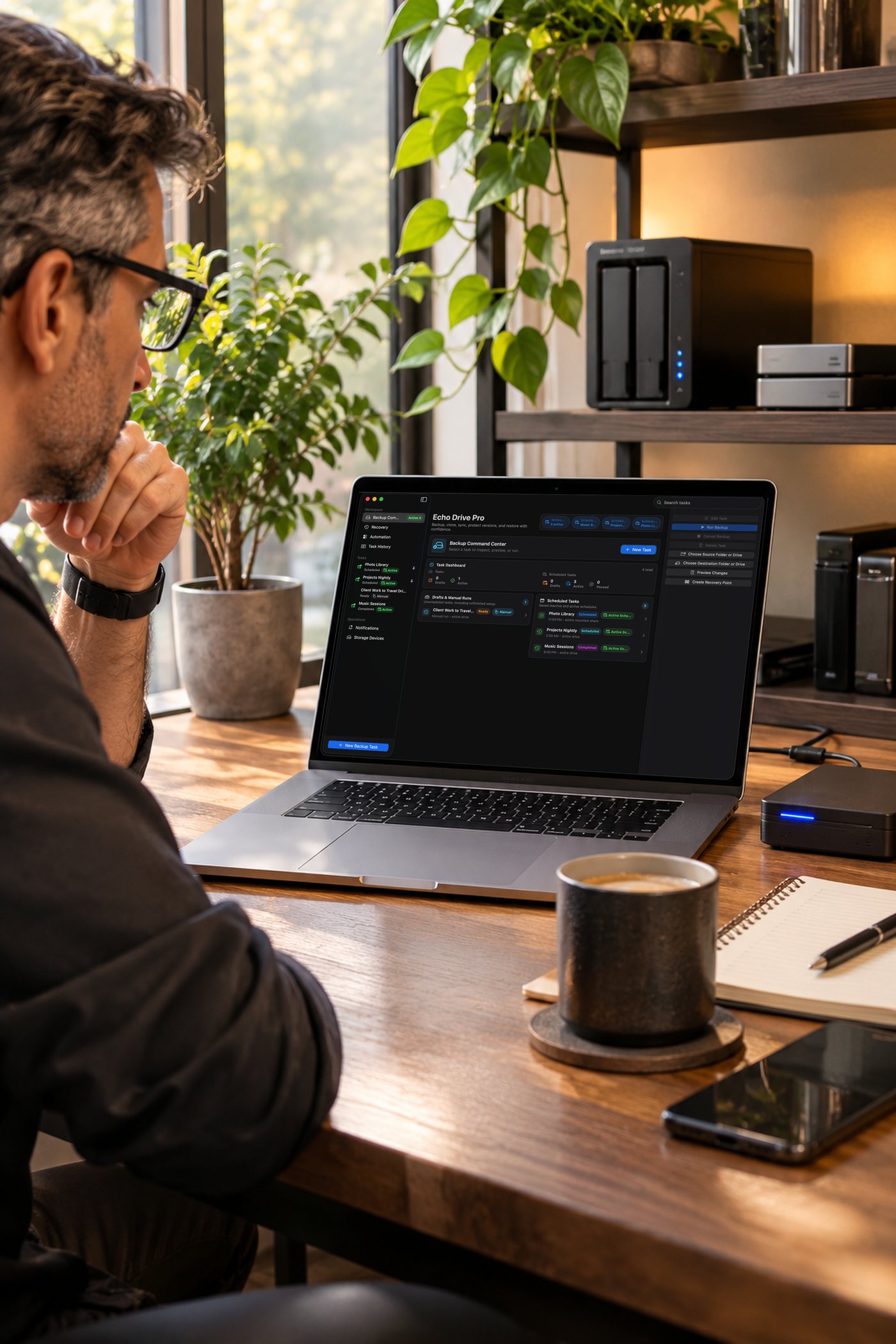
Set-and-forget backups for your Mac. Echo Drive Pro copies the folders you care about to external drives and network shares on your schedule, copies only what changed, verifies every file, and lets you restore from recovery points when you need them.
Back up on your terms
Backup tasks
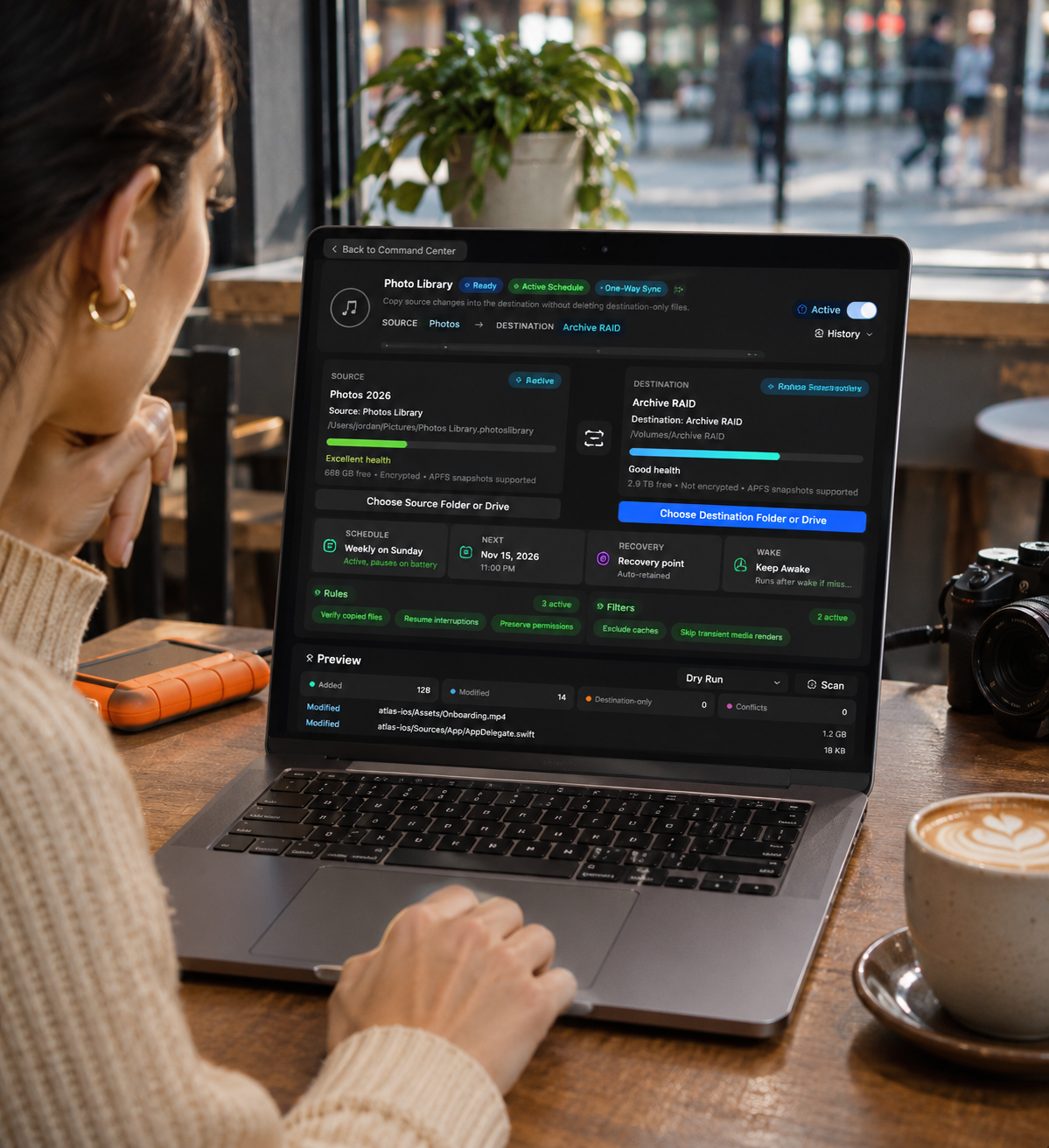
Create a task for each folder you want protected, pick a destination, and choose when it runs. After the first run, only new and changed files are copied.
Scheduling
Run backups automatically on a schedule, with options to pause while your Mac is on battery.
Drive awareness
Echo Drive Pro watches your connected storage devices and guides you to a suitable destination.
Know what changed
Preview before you copy
Compare source and destination to see which files are new or changed before a backup runs.
History
Every run is logged, so you can see what was backed up, when, and whether anything was skipped.
Verified Copies
Each copied file is checked against the original, and a backup stops rather than quietly leaving you with a bad copy.
Get files back
Browse recovery points and restore files from your backups in a few clicks.
Always within reach
A menu bar control shows backup status and lets you start or pause a task without opening the full app.
In everyday use
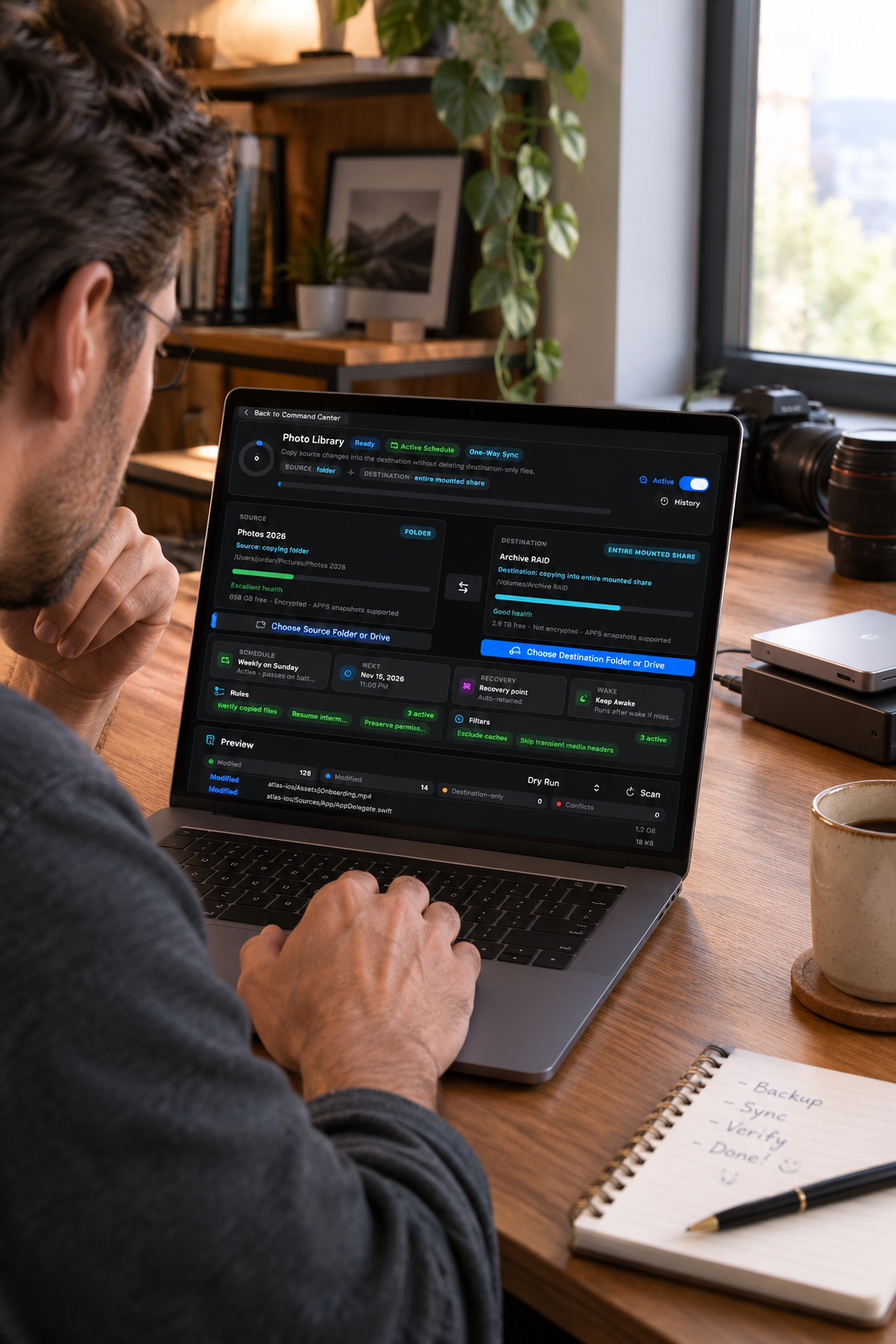
Set a schedule once, then get back to work.
Requirements
- macOS