
DJ Library Pro
DJ Library Pro helps DJs organize their music on the Mac. Sort tracks into crates, rate and tag them, preview with the built-in player, and keep everything in step with the Music app.
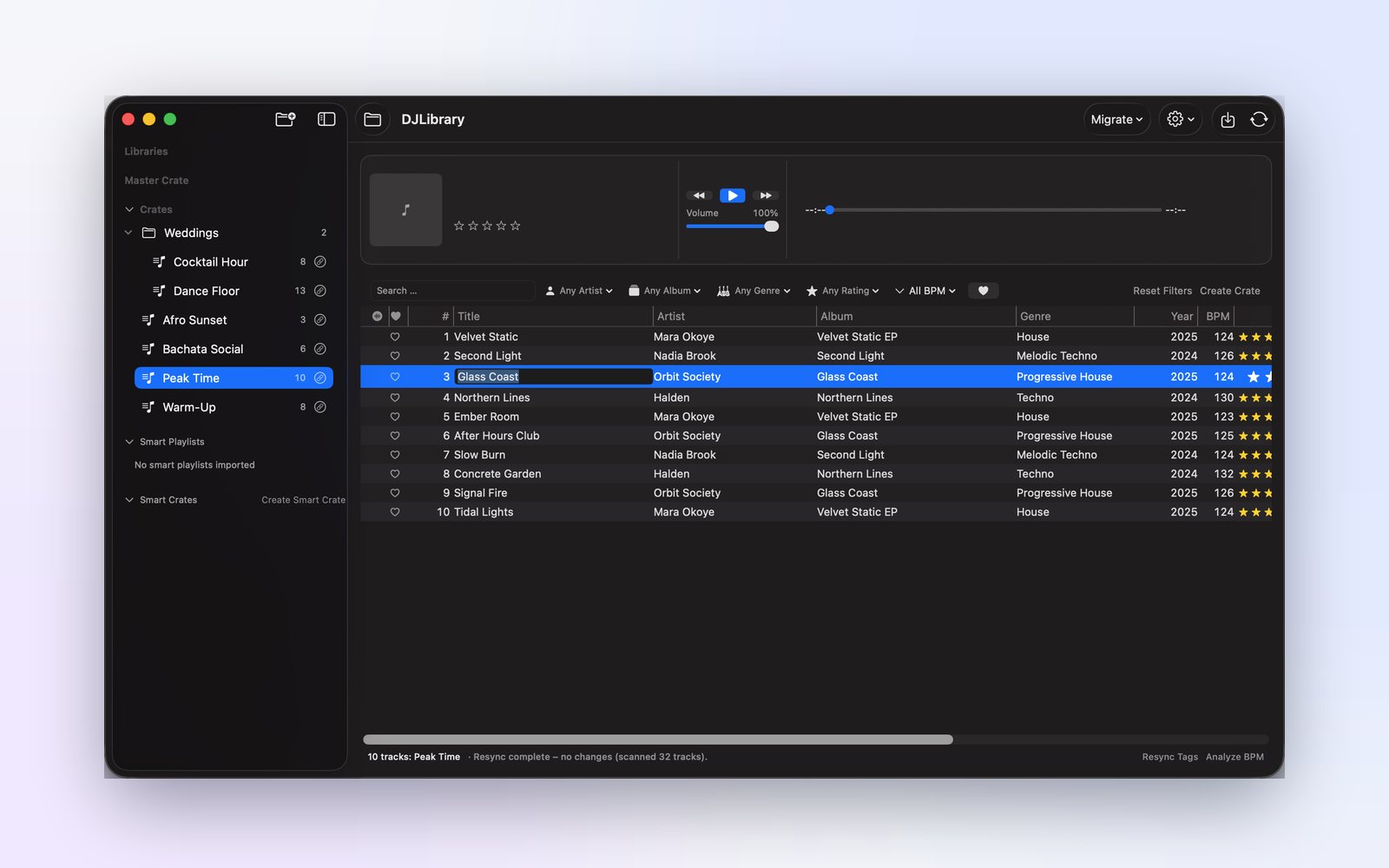
Discover DJ Library Pro’s Power
The tools that keep a DJ library organized and ready for the next set.

Crates and Track Management
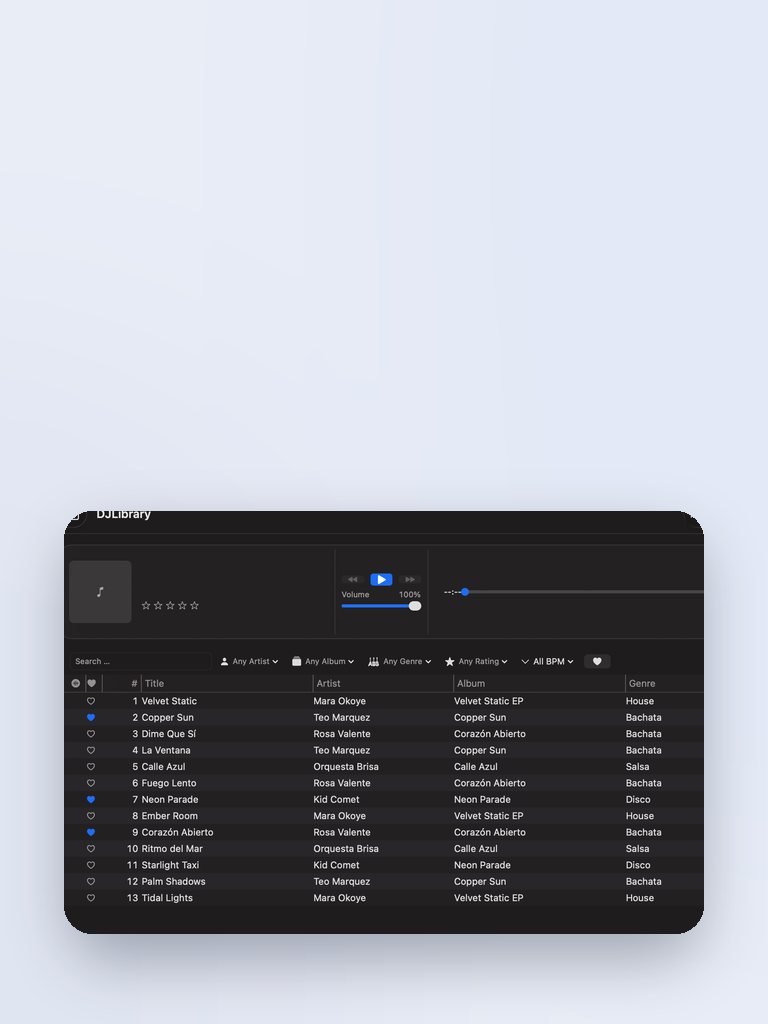
Organize tracks into crates and find what you need with a fast, keyboard-friendly track list.

Ratings and Tags
Rate tracks and write tags directly to your files so your metadata travels with your music.

Music App Sync
Sync crates and metadata with the Music app so your library stays consistent.
How DJ Library Pro Works
From import to set-ready in three steps.

Step One: Import and Organize
Bring your tracks into DJ Library Pro and sort them into crates.

Step Two: Rate and Tag
Rate, tag and preview tracks with the built-in player to build sets you trust.

Step Three: Search and Perform
Search and filter your library to find the right track fast.
In everyday use
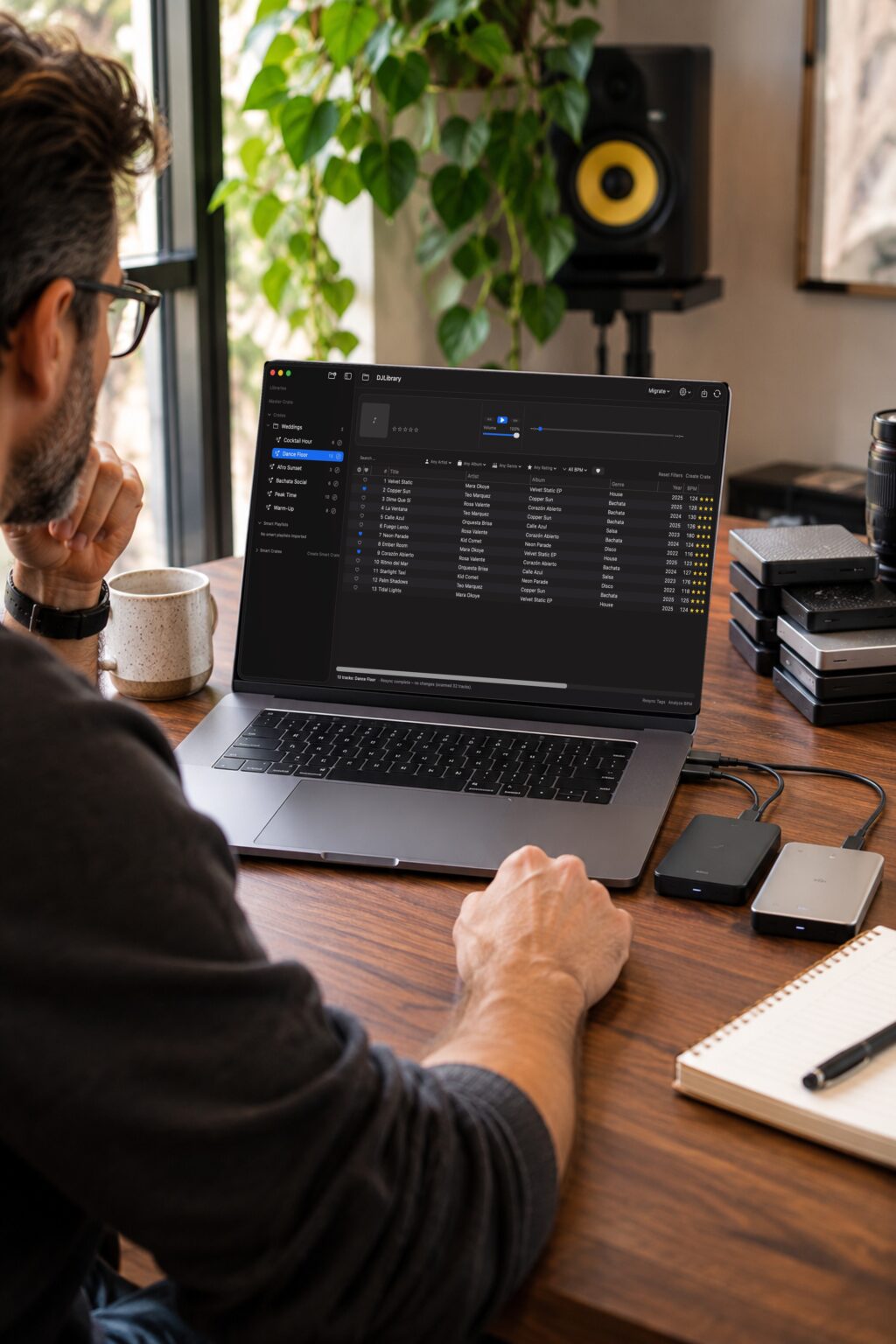
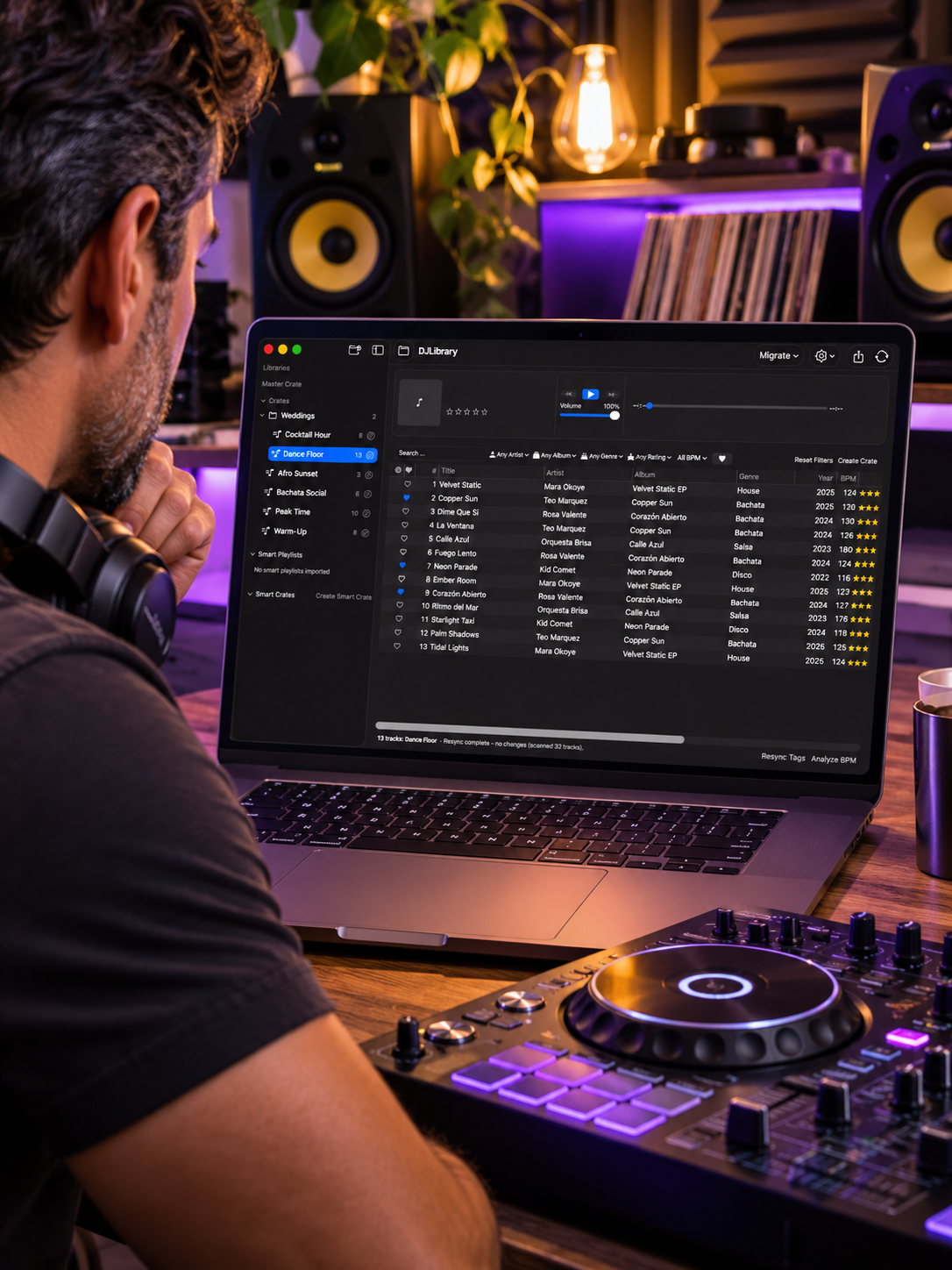
Build crates at home, then walk into the gig knowing every track.
Organize Your Music Library Like a Pro
Spend less time searching and more time mixing. DJ Library Pro keeps your crates, ratings and tags organized on your Mac.